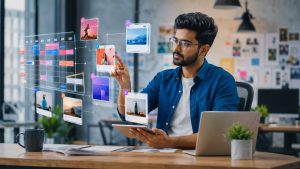
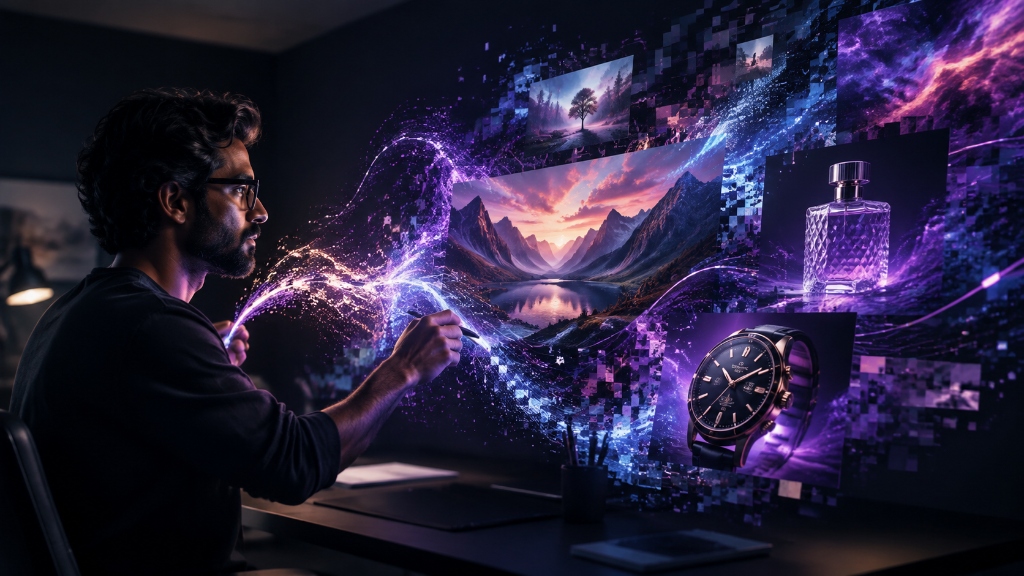
AI ഇമേജ് ജനറേറ്ററുകളോട് “Create a professional image of a laptop” എന്ന് പറഞ്ഞാൽ ലഭിക്കുന്ന ചിത്രം പലപ്പോഴും നമ്മുടെ ആവശ്യത്തിന് അനുയോജ്യമാകില്ല. കാരണം ‘Professional’ എന്ന വാക്കിന് കൃത്യമായ വിഷ്വൽ നിർവ്വചനമില്ല.
📋 Master AI Prompt (English)Copy & Paste into AI
Create a high-quality professional image using the following creative direction.

Primary subject: [Describe the person, product, object or scene]

Action or pose: [Explain what is happening]

Environment: [Describe the location and background]

Composition: [Close-up / Medium shot / Wide shot / Top view] [Explain where the main subject should be placed]

Visual style: [Photorealistic / Editorial photography / 3D illustration / Digital art]

Lighting: [Soft daylight / Studio lighting / Cinematic lighting]

Colour palette: [Specify the preferred colours]

Mood: [Professional / Optimistic / Futuristic / Calm / Premium]

Camera details, if relevant: [Lens type, depth of field or camera angle]

Output purpose: [Website featured image / Banner / Social media post]

Aspect ratio: [16:9 / 1:1 / 4:5 / 9:16]

Important requirements:
- Keep the main subject visually clear.
- Maintain realistic anatomy, proportions, lighting and shadows.
- Use a clean composition with sufficient negative space.
- Avoid unnecessary objects and visual clutter.
- Do not include text, letters, logos, watermarks or signatures.
- Do not imitate a living artist’s exact style.
- Avoid distorted hands, duplicate objects and unnatural facial features.
ചിത്രങ്ങൾ മെച്ചപ്പെടുത്താനുള്ള നുറുങ്ങുകൾ
ആദ്യ ഔട്ട്പുട്ട് പൂർണ്ണമായി തൃപ്തികരമല്ലെങ്കിൽ പ്രോംപ്റ്റ് മുഴുവനായി മാറ്റേണ്ടതില്ല. മാറ്റേണ്ട ഭാഗം മാത്രം ചൂണ്ടിക്കാണിക്കുക: “Keep the exact composition and subject. Make the lighting softer and increase the empty space on the left for website banner text.”
പ്രസിദ്ധീകരിക്കുന്നതിന് മുൻപ് കൈകൾ, മുഖഭാവങ്ങൾ, ടെക്സ്ചറുകൾ എന്നിവ സൂം ചെയ്ത് പരിശോധിച്ച് വ്യക്തത ഉറപ്പാക്കുക.